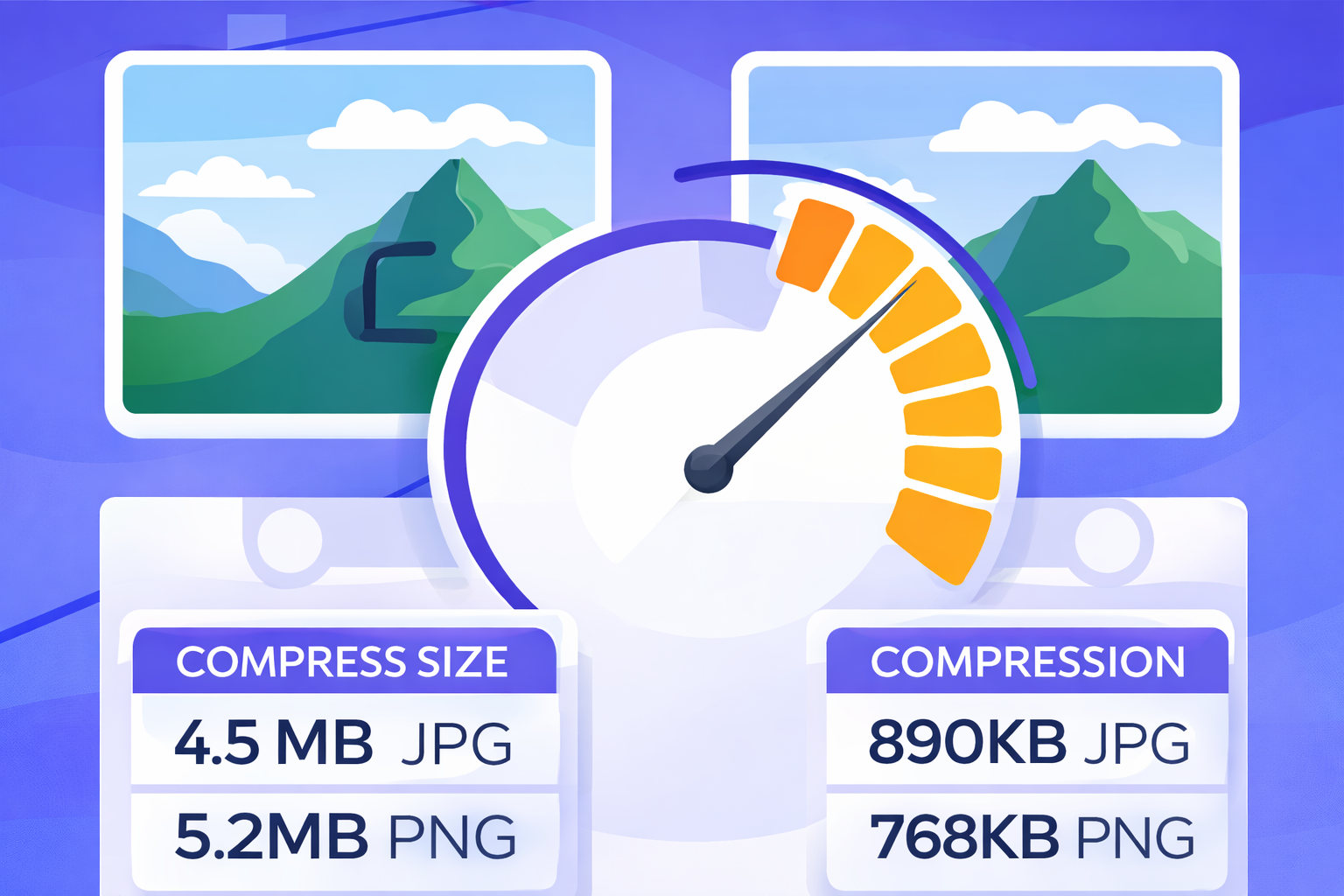
Large image files can slow down websites, take up unnecessary storage, and make sharing images difficult. Whether you are uploading images to a website, sending them by email, or sharing them on social media, optimizing image size is essential for better performance. In this guide, you’ll learn how to compress images without noticeably reducing quality, using a
In this guide, you’ll learn how to compress images without noticeably reducing quality, using a fast and simple online tool.
Why image compression matters?
Image compression helps you:
- Improve website loading speed
- Reduce bandwidth usage
- Save storage space
- Share images faster online
Uncompressed images often contain extra data that is not needed for normal viewing. Removing this excess data makes images lighter while keeping them visually sharp.
How to compress images using SmartPick360?
Follow these simple steps to compress your images online:
- Open the Compress Image tool on SmartPick360
- Upload one or multiple images
- Choose the compression level
- Let the tool process your images instantly
- Download your compressed images
That’s it. No sign-up and no uploads to external servers.
When should you compress images?
- Before uploading images to a website
- Before sending images via email
- For faster social media uploads
- To improve page speed and SEO
Tools and Resources
While there are many image compression tools available, browser-based solutions offer unique advantages. They process images locally, ensuring your files never leave your device. This approach is faster, more private, and doesn't require software installation.
Ready to compress your images?
Try our free browser-based compression tool. No uploads, no sign-ups, and your files stay private.
Try Compress Image Tool →Conclusion
Effective image compression is a balance between file size and visual quality. By following these tips and using the right tools, you can significantly reduce image file sizes while maintaining the quality your visitors expect. Remember to always test your compressed images across different devices and screen sizes to ensure optimal results.